
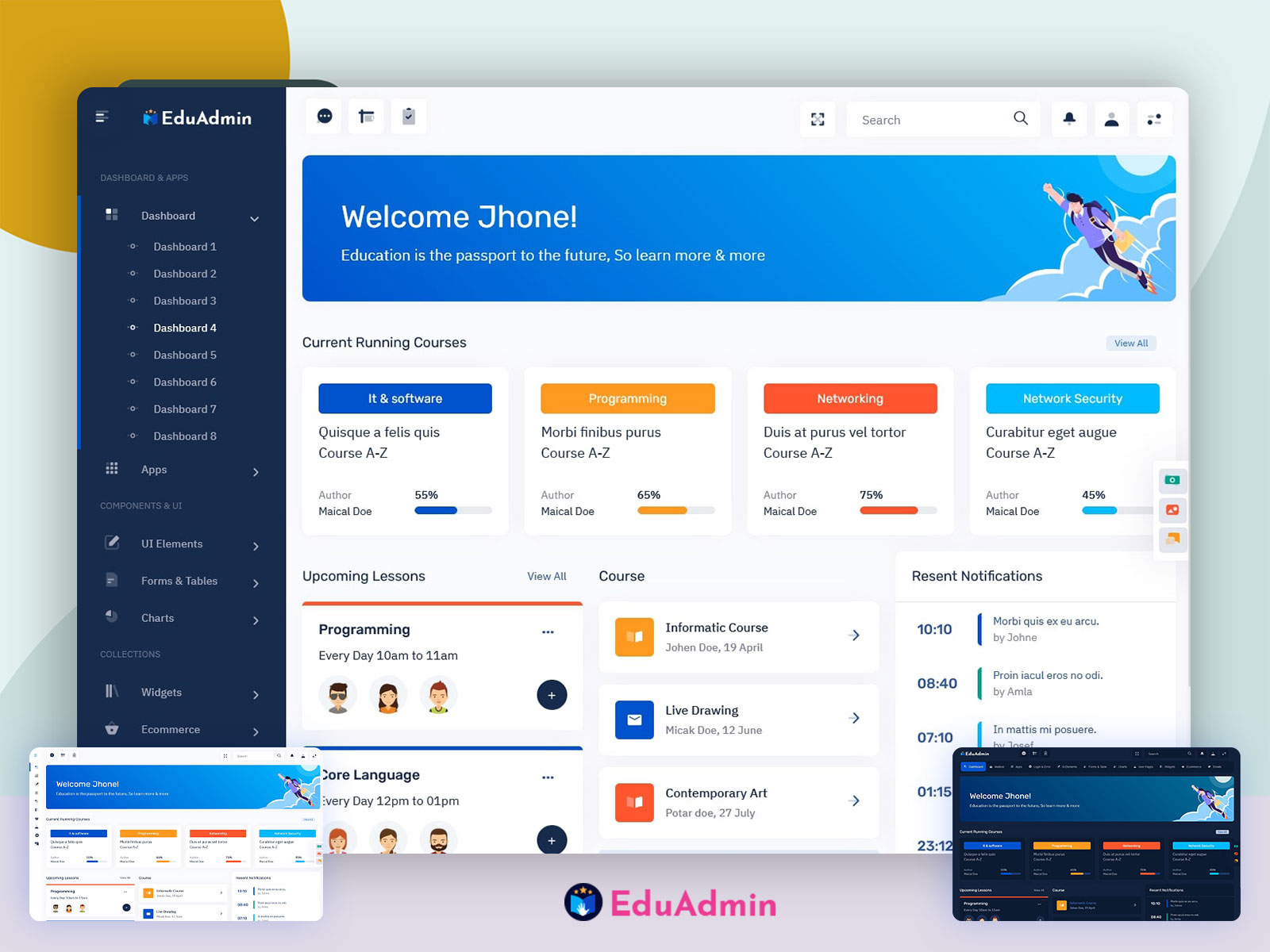
10 Training Management System Features That Make Employee Training Easier
A training management system helps organizations plan, deliver, track, and improve employee training from one central platform. Instead of relying on spreadsheets, email threads, scattered documents, and manual completion records, teams can manage courses, learners, schedules, assessments, and training results in a more organized way.
As businesses expand, training becomes harder to manage manually. New hires need onboarding, existing employees need skill development, and some roles require recurring compliance training. A modern training management system brings these activities into one workflow while giving managers a clearer view of progress and results.
In this guide, we will explain what a training management system is, how it works, its key features and benefits, how it differs from an LMS, common use cases, important selection criteria, and mistakes to avoid when implementing one.
Key takeaway
A training management system gives businesses a structured way to organize training, track employee progress, manage learning records, and measure whether training supports business goals.
What Is a Training Management System?
A training management system is software that helps organizations manage the operational side of employee training. It can organize learners, courses, instructors, schedules, assignments, assessments, attendance, certifications, and completion records in one place.
In practice, the system connects the different steps involved in training. A manager can create or assign a course, employees can complete the required learning, and administrators can monitor progress without maintaining separate spreadsheets.
Training management software can support many forms of learning, including classroom sessions, virtual training, self-paced courses, onboarding programs, workshops, compliance training, and skills development.
For organizations that deliver digital courses, a training management system may also work alongside an LMS. Microsoft describes an LMS as software that can plan, deliver, manage, and assess educational courses and training programs, including tools for content distribution, learner progress, assessments, and communication.
Microsoft’s explanation of learning management systems provides a useful reference for understanding how LMS platforms support digital learning workflows.
How Does a Training Management System Work?
A typical training management system follows a straightforward process. First, administrators create or add training programs. Next, they assign those programs to employees or groups based on job roles, departments, locations, or training requirements.
Employees then access their assigned learning, complete courses or attend scheduled sessions, and take assessments when required. Meanwhile, managers can monitor completion, identify overdue training, and review learner performance.
Finally, the organization can use reports to evaluate participation, completion rates, assessment results, certifications, and other training data.
- Create training: Add courses, learning materials, sessions, assessments, and requirements.
- Organize learners: Group employees by role, department, location, or training needs.
- Assign learning: Give employees specific courses or programs to complete.
- Track progress: Monitor enrollment, attendance, completion, assessment results, and overdue tasks.
- Review results: Use reports and dashboards to understand training activity and identify gaps.
As a result, the system creates a continuous training workflow instead of treating each course as a separate administrative task.
10 Key Features of a Training Management System
1. Course Management
Course management allows administrators to create, organize, update, and retire training programs. A course can contain learning materials, videos, documents, quizzes, assignments, or other resources.
This centralized approach also makes updates easier. When training material changes, administrators can update the relevant course instead of distributing new files manually to every employee.
2. Employee Training Management
A training management system connects employees with the training they need. Administrators can assign courses based on employee roles, departments, experience levels, or organizational requirements.
For example, a company could assign workplace safety training to field employees, leadership training to managers, and product training to sales teams. This approach helps employees focus on relevant learning rather than browsing through unrelated courses.
3. LMS Training Integration
LMS training focuses on delivering and managing digital learning experiences. A training management system can complement an LMS by handling broader training administration, scheduling, learner assignments, records, and reporting.
For organizations that use multiple learning tools, integration can reduce duplicate data entry. Microsoft, for example, documents ways to integrate Microsoft products with LMS platforms through Learning Tools Interoperability, or LTI.
Microsoft’s LMS integration documentation explains how learning systems can connect with other educational and collaboration tools.
Therefore, businesses should consider whether they need a standalone training management platform, an LMS, or a connected solution that combines both approaches.
4. Training Scheduling
Not every training program happens online. Many organizations still depend on instructor-led sessions, workshops, seminars, and practical training.
A training management system can help administrators schedule sessions, assign instructors, manage available seats, record attendance, and notify participants about upcoming events.
For example, a company could schedule a first-aid workshop for employees across several locations and maintain attendance records within the same platform.
5. Assessments and Quizzes
Training becomes more useful when organizations can check whether employees understood the material. Assessment features allow administrators to create quizzes, tests, knowledge checks, or practical evaluations.
Managers can then review results and identify employees who may need additional support. In addition, assessment records can provide evidence that employees completed required learning activities.
6. Certification Tracking
Some roles require employees to maintain specific certifications or complete training at regular intervals. A training management system can keep certification information organized and provide reminders when renewal dates approach.
This feature becomes especially useful when an organization manages many employees with different certification requirements. Instead of checking individual spreadsheets, administrators can review certification status from a centralized system.
7. Automated Notifications
Manual reminders consume administrative time. Therefore, automated notifications can make training workflows easier to manage.
A system can notify employees about newly assigned courses, approaching deadlines, scheduled sessions, overdue training, assessment requirements, or upcoming certification renewals.
Automation does not replace the training manager. Instead, it handles routine reminders so managers can spend more time improving training programs.
8. Training Reports and Dashboards
Training data becomes more useful when managers can turn it into clear reports. A training management system can bring completion records, attendance, assessment results, certifications, and learner activity into dashboards or reports.
Managers can use this information to answer practical questions. Which employees have completed required training? Which courses have the highest completion rates? Which teams have overdue learning? Which employees may need additional training?
More importantly, reporting helps organizations move from simply delivering training to evaluating its effectiveness.
9. Learning Paths
Employees often need more than one course to develop a skill. Learning paths organize related courses into a structured sequence.
For example, a new sales representative might complete product training first, followed by sales process training, CRM training, communication training, and an assessment.
By organizing these courses into a learning path, the organization can create a clearer development journey and make progress easier to track.
10. Centralized Training Records
A central training record gives administrators a consistent view of employee learning history. Instead of storing completion information across spreadsheets, emails, paper forms, and separate platforms, organizations can maintain records within one system.
This can simplify audits, internal reporting, employee development discussions, and training administration.
Pro tip
Choose a training platform that makes training records easy to search and report on. A feature-rich system has limited value if managers cannot quickly find the information they need.
Benefits of Using a Training Management System
Reduce Administrative Work
Training administrators often spend time assigning courses, updating spreadsheets, sending reminders, tracking attendance, and preparing reports. A centralized platform can automate many of these repetitive tasks.
As a result, training teams can spend more time designing useful programs and supporting employees.
Improve Training Visibility
Without centralized records, managers may struggle to understand who has completed which training. A training management system provides a clearer view of employee progress.
Therefore, managers can identify overdue training and address gaps sooner.
Support Consistent Employee Development
Employees should receive training that matches their responsibilities and development needs. With structured assignments and learning paths, organizations can create more consistent training experiences across teams.
This approach also helps managers build repeatable onboarding and professional development programs.
Make Compliance Tracking Easier
Some businesses need to document employee training for internal policies, certifications, safety programs, or industry requirements. A centralized system can make those records easier to maintain and retrieve.
For organizations that manage quality or competence requirements, training records can also support broader workforce processes. ISO 10015:2019, for example, provides guidelines for competence management and people development.
ISO 10015:2019 and its competence management guidelines can help organizations understand the broader role of structured competence and people development.
Measure Training Performance
Training should produce useful outcomes, not just completed courses. Reports and assessments can help organizations evaluate participation, knowledge checks, completion, and other available indicators.
Consequently, managers can use training data to identify programs that need improvement and determine where employees require additional support.
Training Management System vs. LMS
The terms training management system and learning management system often overlap, but they can serve different purposes. An LMS typically focuses heavily on delivering and managing learning content, especially digital courses. A training management system often places more emphasis on organizing the wider training operation.
| Area | Training Management System | LMS |
|---|---|---|
| Training administration | Strong focus | Supported |
| Online course delivery | May support or integrate with an LMS | Core function |
| Training scheduling | Common feature | Varies by platform |
| Instructor-led training | Often supported | May be supported |
| Learning content | May manage content | Core focus |
| Training records | Central focus | Common feature |
| Employee development | Strong administrative focus | Strong learning focus |
The right choice depends on the organization’s needs. A business focused mainly on self-paced digital learning may prioritize an LMS. Meanwhile, an organization managing classroom training, instructors, certifications, schedules, and digital learning may need broader training management capabilities.
Common Use Cases
A training management system can support many types of organizations and training programs.
- Employee onboarding: Assign new hires the courses and resources they need during their first weeks.
- Compliance training: Track required courses, deadlines, completion, and recurring requirements.
- Professional development: Create learning paths that help employees build new skills.
- Product training: Train sales, support, and operations teams on new products or services.
- Safety training: Organize safety courses and track employee completion.
- Instructor-led training: Schedule workshops, seminars, and practical sessions.
- Certification management: Monitor certifications and upcoming renewal dates.
For organizations focused on digital education, related eLearning concepts can also help when evaluating how online courses should work within a broader training strategy. Anomoz’s article on eLearning platform features explores capabilities that can support modern digital learning experiences.
How to Choose a Training Management System
Choosing software should start with the organization’s training process rather than a long list of features. First, identify how training currently works and where administrators lose the most time.
Next, define the learners, training formats, reporting requirements, and integrations you need. Then compare platforms against those requirements.
Consider the Training Workflow
Look at the full process from course creation to completion and reporting. The platform should make common tasks easier rather than adding another layer of administration.
Check Integration Options
If your organization already uses HR software, an LMS, collaboration tools, payroll systems, or other business platforms, review integration capabilities before selecting a solution.
Good integration can reduce duplicate data entry and help keep employee information consistent across systems.
Evaluate Reporting
Ask whether managers can quickly generate the reports they actually need. A dashboard should provide useful information rather than simply displaying a large number of metrics.
Review User Experience
Employees should be able to find assigned training without confusion. Likewise, administrators should be able to create courses, assign learning, and review reports without extensive technical knowledge.
Consider Scalability
Your training needs may change as the organization grows. Therefore, consider whether the system can support additional employees, departments, courses, locations, and training formats over time.
Important
Do not select a platform based only on the number of features. Prioritize the workflows your training team uses every week, then verify that the software makes those workflows simpler.
Common Training Management Mistakes to Avoid
Even good software cannot fix an unclear training strategy. Organizations should avoid several common mistakes when introducing a new system.
- Adding too much training: Assigning unnecessary courses can overwhelm employees and reduce engagement.
- Ignoring user experience: A complicated interface can make employees less willing to complete training.
- Failing to define goals: Training should connect to a clear business or employee development need.
- Relying only on completion data: Finishing a course does not automatically prove that an employee gained the desired skill.
- Skipping system integration: Manual data transfer can recreate the administrative work the new platform should reduce.
- Neglecting ongoing review: Training content can become outdated, so organizations should review courses regularly.
When Should a Business Use a Training Management System?
A training management system becomes particularly useful when training involves many employees, recurring requirements, multiple courses, different instructors, or several delivery formats.
Small teams may manage simple training programs with basic tools. However, as the number of employees and training requirements increases, manual tracking becomes harder to maintain.
If managers regularly ask who completed training, which employees need a course, when certifications expire, or how a training program performed, centralized training software can provide a more structured solution.
Frequently Asked Questions
Frequently Asked Questions
What is a training management system?
A training management system is software that helps organizations plan, assign, schedule, deliver, track, and report on employee training and development activities.
Is a training management system the same as an LMS?
Not always. An LMS generally focuses on delivering and managing learning content, while a training management system can cover broader training administration, scheduling, records, certifications, and reporting. Some platforms combine both capabilities.
What is LMS training?
LMS training refers to learning delivered or managed through a learning management system. It can include online courses, assessments, learning materials, assignments, and progress tracking.
Can a training management system support employee onboarding?
Yes. Organizations can use training management software to assign onboarding courses, track new-hire progress, schedule sessions, manage assessments, and maintain completion records.
What should I look for in training management software?
Look for course management, learner assignments, scheduling, assessments, certification tracking, notifications, reporting, integrations, a simple user experience, and scalability.
Final Thoughts
A training management system can bring structure to employee learning by connecting course management, learner assignments, scheduling, assessments, certifications, reporting, and training records in one workflow.
However, the right platform depends on how your organization delivers training. Businesses that rely heavily on online learning may prioritize LMS capabilities, while organizations with instructor-led sessions, certifications, recurring training, and broader administrative needs may require a more complete training management solution.
Start by mapping your current training process, identifying manual tasks, and defining the outcomes you want to improve. Then evaluate platforms against those needs rather than choosing software based on feature count alone.
