
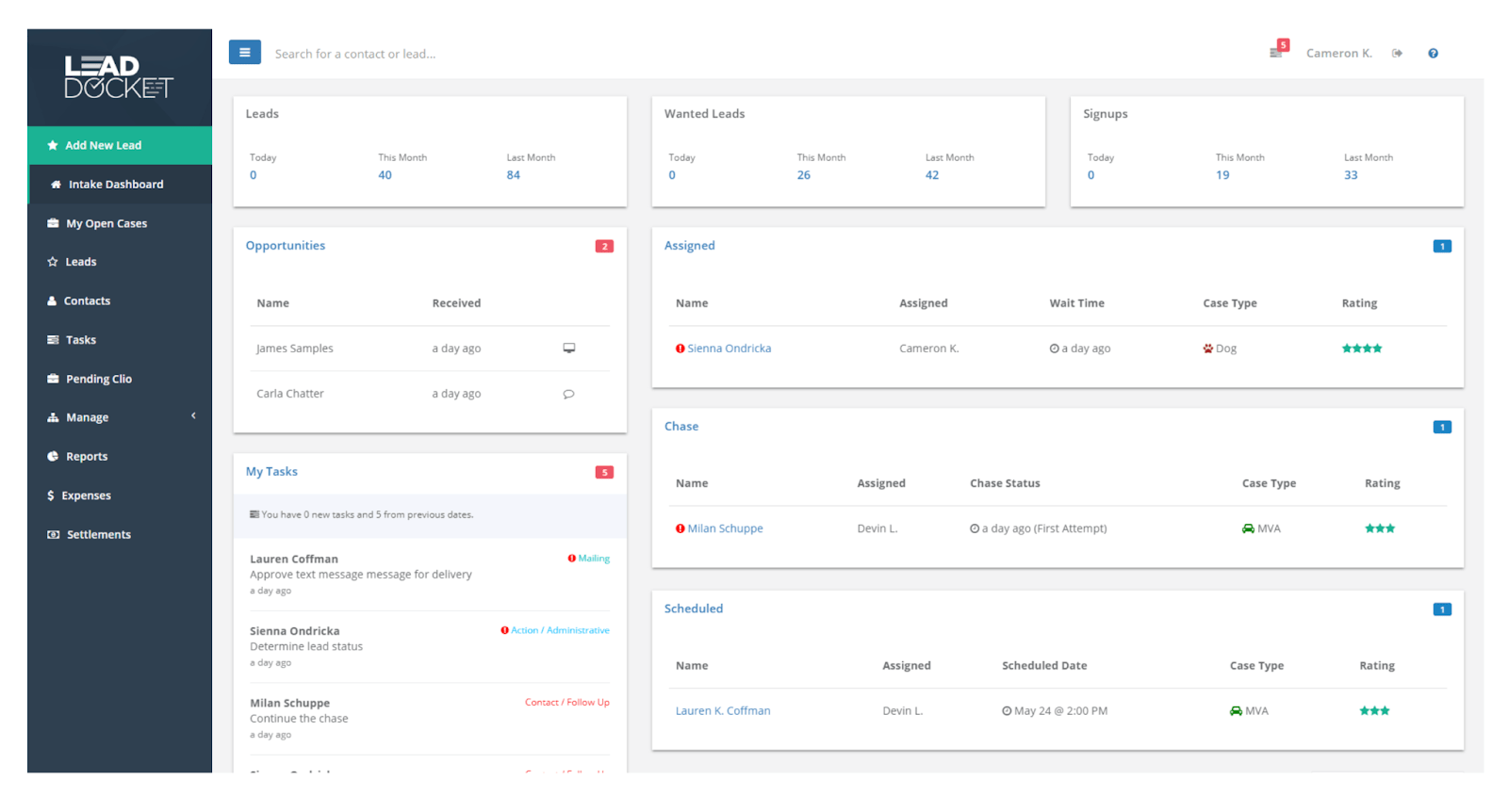
7 Lead Tracking Software Features That Keep Your Sales Pipeline Moving
Lead tracking software helps businesses capture, organize, monitor, and qualify prospects as they move through the sales process. Instead of relying on spreadsheets, inboxes, and scattered notes, sales teams can use one central system to record lead sources, interactions, follow-up tasks, status changes, and pipeline progress. This makes it easier to understand what happened with each prospect and what action should come next.
In this guide, we will explain what lead tracking software is, how it works, the key features to look for, and the benefits it can bring to a sales team. We will also compare lead tracking with broader lead management, cover common mistakes, and explain when custom software may make sense.
What Is Lead Tracking Software?
Lead tracking software is a business tool that helps sales and marketing teams monitor potential customers throughout the sales journey. It stores lead details and records important activities such as calls, emails, meetings, notes, tasks, follow-ups, and status changes.
In practice, the software gives each prospect a central record. A sales representative can see where the lead came from, what the prospect needs, which conversations have already happened, and what action the team should take next.
Lead tracking often forms part of a larger customer relationship management process. Microsoft describes lead management as a process that helps organizations capture, track, and nurture prospects from initial interest through conversion. Its current Dynamics 365 documentation also covers lead assignment, qualification, duplicate detection, scoring, and conversion into opportunities.
Microsoft’s lead management documentation provides a useful overview of how these activities fit together in a structured sales process.
Key takeaway
Lead tracking focuses on visibility. It helps teams know who each prospect is, what has happened so far, where the lead stands, and what should happen next.
How Does Lead Tracking Work?
A typical lead tracking process begins when a business captures a prospect from a website form, social media campaign, referral, advertisement, email, phone call, event, or another source.
Next, the system stores the lead details and assigns a status. The sales team can then qualify the prospect, record interactions, schedule follow-ups, and move the lead through defined stages.
- Capture: Add the prospect and relevant contact information to the system.
- Organize: Store the source, company, industry, interests, and other useful details.
- Qualify: Determine whether the prospect fits your target customer profile.
- Assign: Give the lead to the appropriate salesperson or team.
- Follow up: Schedule calls, emails, meetings, demos, or other sales activities.
- Track: Monitor interactions, status changes, and movement through the pipeline.
- Convert: Move qualified leads into opportunities or customer records when appropriate.
For example, imagine a software company receives 50 inquiries from a website campaign. Instead of keeping those contacts in a spreadsheet, the sales team can assign each lead to a representative, record conversations, set follow
