
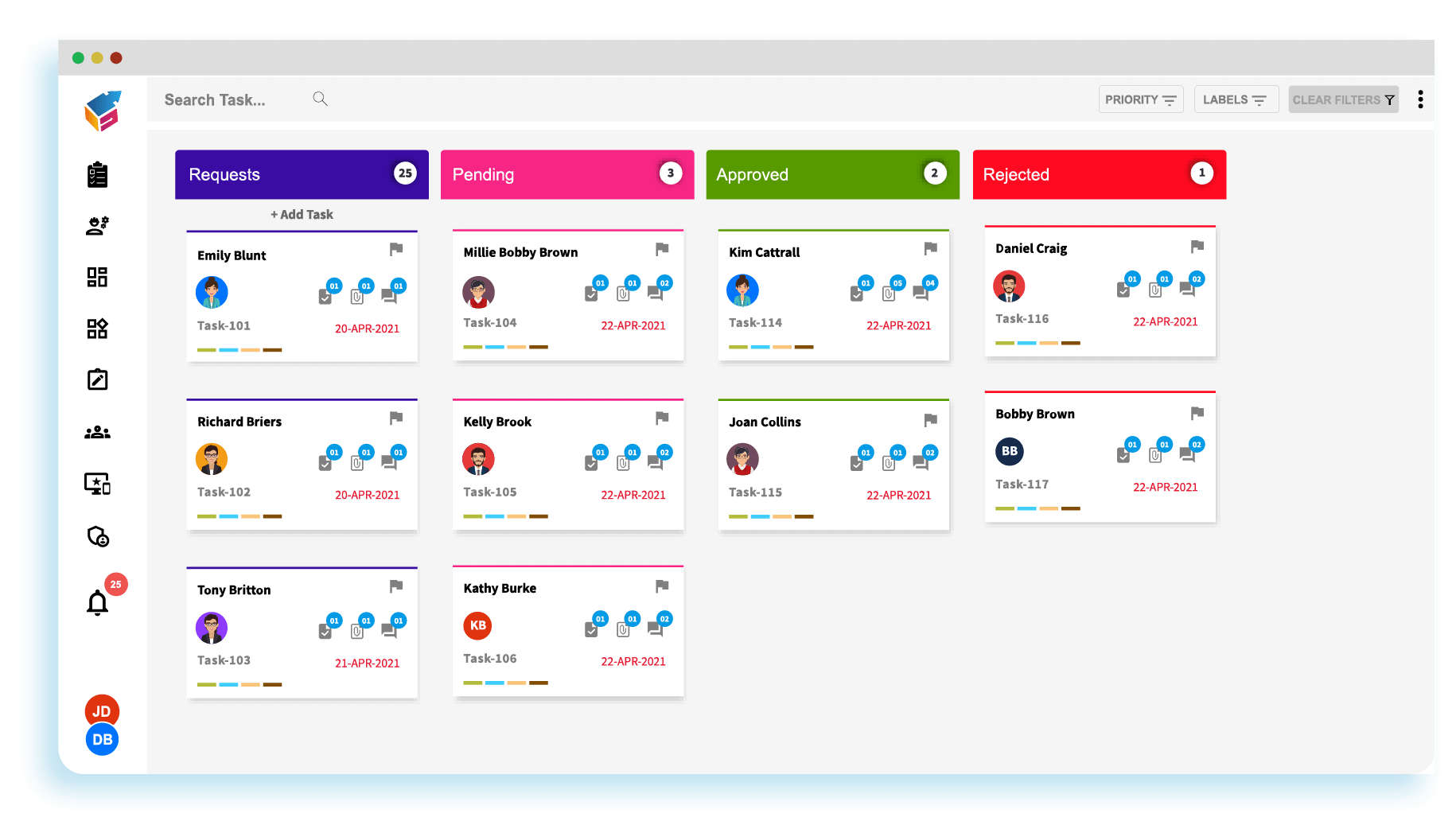
7 Leave Management System Features That Simplify Employee Time Off
Managing employee time off can become difficult when requests arrive through email, spreadsheets, chat messages, and paper forms. A leave management system gives HR teams and managers one organized way to handle leave requests, track balances, apply company policies, and maintain accurate records. With the right leave management software, employees can request time off while managers review requests and HR keeps a clear view of workforce availability.
More importantly, effective leave management connects employee time off with broader workforce planning. It can help reduce manual work, improve visibility, prevent scheduling conflicts, and support more consistent leave administration. In this guide, we will explore what a leave management system is, how it works, its key features and benefits, important implementation considerations, common mistakes, and questions businesses should ask before choosing a solution.
What Is a Leave Management System?
A leave management system is software that helps organizations manage employee time off from request to approval and recordkeeping. Depending on the organization, it can handle vacation, sick leave, personal days, parental leave, unpaid leave, holidays, and other types of absence.
Instead of maintaining separate spreadsheets or relying on email conversations, HR teams can centralize leave information in one system. Employees can submit requests, managers can review them, and HR can monitor balances and leave records from a shared platform.
For example, an employee may submit a three-day vacation request through the system. The software checks the employee’s available balance and applicable rules, sends the request to the appropriate manager, and updates the employee’s record after approval.
Key takeaway
A leave management system turns employee time-off administration into a structured workflow instead of a collection of manual requests, spreadsheets, and messages.
How Does a Leave Management System Work?
Although features vary between platforms, most leave management systems follow a straightforward process.
- Employee submits a request: The employee selects the leave type, dates, and other required details.
- The system checks the request: The software can check leave balances, policies, holidays, and approval rules.
- Manager reviews the request: The appropriate manager receives the request and can approve or reject it.
- Records update automatically: Once approved, the employee’s leave balance and calendar can update.
- HR monitors activity: HR can review leave records, reports, upcoming absences, and policy usage.
As a result, everyone works from the same information. Employees know the status of their requests, managers can see upcoming absences, and HR has a centralized record of leave activity.
7 Key Features of Leave Management Software
1. Online Leave Requests
The first important feature is a simple way for employees to request time off. Employees should be able to choose the leave type, select dates, add relevant notes, and submit the request without contacting HR for every absence.
For instance, an employee who needs two days of vacation can submit the request from a browser or mobile device. The request then moves through the company’s defined approval process.
This approach reduces emails and manual forms while giving employees a clear record of their requests.
2. Automated Approval Workflows
Different organizations use different approval structures. A small business may need one manager’s approval, while a larger organization may require manager and HR approval.
A leave management system can route requests according to predefined rules. Therefore, HR does not need to manually forward every request to the correct person.
Automated workflows can also make approval status easier to track. Managers can see pending requests, while employees can see whether their request remains pending, approved, or rejected.
3. Leave Balance Tracking
Employees often want to know how much vacation or paid time off they have available. Meanwhile, HR needs accurate records to administer leave consistently.
Leave management software can maintain balances based on the organization’s policies. Depending on the system, it may support accrual rules, carryover policies, different leave categories, and other business-specific rules.
This reduces the need for employees or HR staff to calculate balances manually. It also gives employees greater visibility into their available time off before submitting a request.
4. Shared Leave Calendar
A shared leave calendar gives managers and HR a visual view of upcoming absences. This feature becomes especially useful when several employees request time off around the same period.
For example, a manager can review upcoming leave before approving a vacation request. If several members of the same team will already be away, the manager can consider staffing requirements before making a decision.
However, a calendar should support decision-making rather than replace company policies. Managers still need to apply the organization’s rules consistently.
5. Policy and Leave Type Management
Organizations often have multiple leave categories with different rules. These may include vacation, sick leave, personal leave, parental leave, bereavement leave, unpaid leave, and company-specific leave types.
A good system lets administrators configure these categories and apply appropriate rules. This creates a more consistent process because employees and managers work from the same policy structure.
At the same time, businesses should review their legal obligations before configuring leave rules. For example, U.S. employers covered by the Family and Medical Leave Act may need to manage qualifying job-protected leave according to federal requirements. The U.S. Department of Labor’s FMLA Employer Guide provides official guidance for employers. :contentReference[oaicite:0]{index=0}
6. Reporting and Analytics
Reporting helps HR teams understand how employees use different types of leave. Useful reports may cover leave balances, approved requests, absences by department, upcoming time off, and leave trends.
For example, HR may notice that a particular department has many overlapping absences during a specific period. That information can support better workforce planning.
Reports can also help HR review whether leave records remain accurate and whether managers follow established approval processes.
7. HR and Payroll Integration
Leave information often affects payroll, attendance, scheduling, and employee records. Therefore, integration can become an important consideration as a business grows.
When systems share relevant information, HR teams can reduce duplicate data entry. For example, approved paid leave may need to flow into payroll or attendance records.
However, integration does not automatically make a process compliant. Businesses still need to define the correct rules, permissions, data flows, and review procedures.
Pro tip
When evaluating leave management software, look beyond the request form. Review the complete workflow from employee request and approval through balance updates, reporting, payroll, and return to work.
Benefits of Using a Leave Management System
A well-designed system can provide value to employees, managers, and HR teams at the same time.
Less manual administration
HR teams spend less time updating spreadsheets, checking balances, forwarding requests, and answering routine questions about leave status.
Better visibility
Employees, managers, and HR can see relevant leave information without relying on disconnected records.
Faster approvals
Automated notifications and approval workflows can help requests reach the right manager without unnecessary delays.
Fewer recordkeeping errors
Centralized records reduce the risk of conflicting spreadsheets, outdated balances, and forgotten requests.
Better workforce planning
Managers can review upcoming absences and make staffing decisions with better visibility into team availability.
More employee control
Employees can submit requests, review balances, and track approval status without repeatedly contacting HR.
Leave Management System vs. Manual Leave Tracking
Many small businesses begin with spreadsheets or email-based leave tracking. That approach may work when the workforce is small and leave policies are simple. However, manual processes become harder to maintain as employee numbers, leave types, and approval requirements increase.
| Area | Manual Tracking | Leave Management System |
|---|---|---|
| Leave requests | Often handled through email or forms | Submitted through a central workflow |
| Balance tracking | Manual calculations may be required | Balances can update through configured rules |
| Approvals | Managers may need to track requests manually | Automated routing and notifications |
| Visibility | Information may sit across multiple files | Centralized leave records and calendars |
| Reporting | Reports often require manual preparation | Reports can be generated from system data |
The right choice depends on the organization’s size and complexity. A small team with straightforward policies may not need an advanced platform immediately. On the other hand, organizations with multiple departments, locations, leave policies, or approval levels may benefit from a dedicated system.
Leave Management and Employee Scheduling
Leave decisions often affect employee availability. Therefore, leave management works closely with workforce scheduling.
When managers know that an employee will be away, they can adjust schedules, assign responsibilities, or arrange coverage. This connection becomes particularly important for businesses that operate with shifts or field teams.
For organizations that need broader workforce planning, employee scheduling software can complement leave management by helping teams organize work around employee availability.
In practice, the two systems address different but connected needs. Leave management focuses on time-off requests and records, while scheduling focuses on assigning available employees to work.
How to Choose the Right Leave Management Software
Choosing software should start with the organization’s actual leave process. Instead of selecting a system based only on the number of features, identify the problems HR, employees, and managers currently face.
Check the leave policies you need to support
First, list every leave type your organization currently uses. Then identify rules for accrual, carryover, eligibility, approval, and documentation.
This step matters because a system that cannot represent your policies may create more manual work instead of reducing it.
Review the employee experience
Employees should not need extensive training to request time off. Look for a simple interface that makes balances, requests, approvals, and calendars easy to understand.
Also consider mobile access if employees frequently work away from a desk.
Evaluate approval workflows
Next, check whether the software supports your actual approval structure. Consider different departments, managers, locations, employee groups, and escalation rules.
A flexible workflow can reduce administrative work while keeping responsibility with the appropriate manager.
Check integrations
Review how the platform connects with payroll, HR systems, attendance tools, scheduling platforms, and other business software.
Integration can become increasingly valuable when HR teams manage data across several systems. For example, the Society for Human Resource Management has highlighted the role of system integration in streamlining leave processes and coordinating information across HR systems. SHRM’s discussion of HRIS integration and leave management provides additional context. :contentReference[oaicite:1]{index=1}
Review reporting and permissions
HR data requires careful access control. Therefore, check which users can view, edit, approve, or export leave information.
Also review available reports. The system should provide enough information for HR to manage leave records without exposing sensitive employee information to people who do not need access.
Common Leave Management Mistakes to Avoid
Even good software cannot fix an unclear process. Businesses should avoid several common mistakes when implementing leave management.
- Using unclear policies: Employees and managers need clear rules for different types of leave.
- Ignoring local requirements: Leave laws and entitlements can vary by jurisdiction, so businesses should review applicable requirements.
- Skipping manager training: Managers need to understand how requests, approvals, and exceptions work.
- Overcomplicating the workflow: Too many approval steps can slow down simple requests.
- Ignoring employee access: Employees should be able to view relevant balances and request status.
- Failing to review system rules: HR should periodically check configured policies and balances for accuracy.
For example, leave rules can differ significantly between countries and jurisdictions. The UK government’s Acas guidance explains different categories of holiday and leave and provides information on managing absence and returning to work. Acas holiday and leave guidance is a useful reference for organizations operating under UK employment rules. :contentReference[oaicite:2]{index=2}
Important
Leave software can help administer policies, but it does not replace legal or HR guidance. Before configuring statutory leave rules, businesses should verify the requirements that apply to their employees and locations.
When Should a Business Use a Leave Management System?
A dedicated system becomes more useful when leave administration starts consuming significant HR time or creates frequent confusion.
Businesses should consider one when employees regularly ask HR about leave balances, managers struggle to track overlapping absences, or HR maintains several spreadsheets to manage different leave categories.
It can also make sense when an organization has multiple departments, locations, approval levels, or payroll processes. In these situations, centralizing leave information can create a more consistent process.
Smaller businesses can also benefit when they want employees to manage routine requests without increasing HR administration as the company grows.
Can Leave Management Software Be Customized?
Standard leave management software can meet many common requirements. However, some organizations have workflows that do not fit neatly into an off-the-shelf product.
For example, a company may need custom approval rules, specialized leave categories, unique employee roles, or connections with an existing HR platform. In those cases, a tailored solution may provide more control over how the workflow operates.
If leave management forms part of a broader business platform, custom CRM development may also be relevant when the organization needs employee, customer, workflow, or operational data to work together within a custom business system.
Frequently Asked Questions
Frequently Asked Questions
What is a leave management system?
A leave management system is software that helps businesses manage employee time-off requests, approvals, leave balances, calendars, records, and reporting from a centralized platform.
What is the difference between leave management software and HR software?
Leave management software focuses specifically on employee time off and absence workflows. HR software can cover a broader range of functions, such as employee records, recruitment, onboarding, performance, payroll, and benefits.
Can leave management software track vacation and sick leave?
Yes. Most leave management platforms can support multiple leave categories, including vacation and sick leave. The exact options depend on the software and how the organization configures its policies.
Can a leave management system integrate with payroll?
Many systems support payroll or HR integrations. The available connections vary by product, so businesses should confirm that the software supports the payroll and HR platforms they already use.
Is a leave management system useful for small businesses?
Yes. Small businesses can use leave software to centralize requests, track balances, and reduce manual HR administration. However, the value depends on the complexity of the organization’s leave process and workforce.
Final Thoughts
A leave management system gives businesses a structured way to handle employee time off. By bringing requests, approvals, balances, calendars, policies, reporting, and integrations into one workflow, it can reduce manual administration and give employees and managers better visibility.
However, software works best when the underlying leave policies are clear. Businesses should therefore define their rules first, identify their workflow requirements, and then choose leave management software that supports those needs.
For growing organizations, the goal should not simply be to digitize a leave request form. Instead, the system should create a reliable process that connects employee requests with HR records, workforce availability, and broader business operations.
