
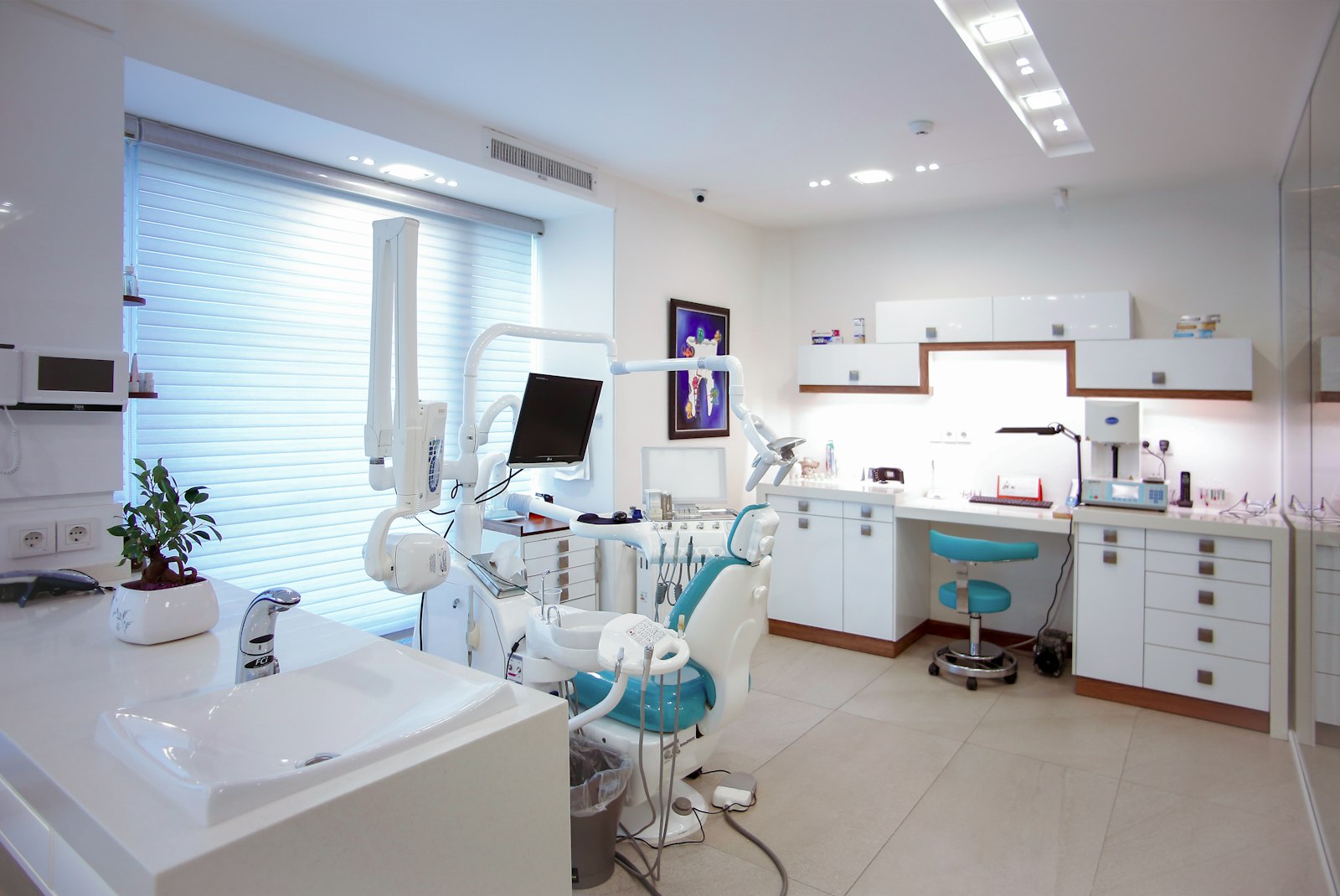
Software for Dentists: 10 Features Every Dental Practice Needs
Software for dentists is practice management and clinical software that helps dental offices schedule patients, chart treatment, manage imaging, bill insurance, and communicate with patients from one system. It replaces paper charts, separate billing tools, and phone-only scheduling. Because a dental practice depends on full chairs, accurate claims, and clear records, the right dental software has a direct effect on revenue, patient experience, and compliance.
In this guide, we cover the 10 features that matter most in software for dentists, the difference between cloud and server-based dental software, compliance requirements, and how to choose and switch systems without disrupting the practice.
What Does Software for Dentists Do?
Dental software generally combines two areas. First, practice management handles the business side: scheduling, patient records, billing, insurance claims, and reporting. Second, clinical software handles charting, treatment planning, periodontal records, and imaging. Some products cover both, while others focus on one area and integrate with the other.
For example, when a patient books a cleaning, the system confirms the appointment, checks insurance eligibility, pulls up the chart for the hygienist, records findings, creates the claim, and posts payment. As a result, the front desk and clinical team work from the same record rather than passing paper back and forth.
10 Features to Look for in Dental Software
1. Appointment Scheduling
A good schedule shows providers, operatories, and appointment types at a glance. It should also handle recurring hygiene visits, block scheduling, and waitlists. Online booking lets patients request appointments outside office hours. For general booking principles, see our guide to appointment scheduling software features.
2. Patient Records and Digital Forms
Patients should complete medical history, consent, and registration forms before arriving. The answers then flow directly into the record. Consequently, staff stop retyping information from clipboards.
3. Clinical Charting
Charting tools record existing conditions, completed work, and planned treatment on a visual tooth chart. Periodontal charting with voice input can save time for hygienists. In addition, clinical notes templates help keep documentation consistent.
4. Treatment Planning and Case Presentation
Dentists can build phased treatment plans with fees, insurance estimates, and alternatives. Presenting these clearly helps patients understand options and costs. Therefore, case acceptance often improves.
5. Imaging Integration
The software should connect with intraoral cameras, digital X-ray sensors, panoramic units, and cone beam CT. Images should attach to the correct patient and tooth automatically.
6. Insurance and Claims Management
Insurance work takes a large share of front desk time. Look for eligibility checks, electronic claims, attachments, and tracking of outstanding claims. Dental claims rely on procedure codes from the ADA’s Code on Dental Procedures and Nomenclature (CDT), so the software must keep its code set current. Our article on claims processing software explains what efficient claims workflows look like.
7. Billing and Patient Payments
Patients expect clear statements and easy ways to pay. Text-to-pay, card on file, and payment plans reduce outstanding balances. Meanwhile, automatic posting keeps ledgers accurate.
8. Patient Communication
Automated reminders, recall messages, and two-way texting reduce no-shows and fill the hygiene schedule. Review requests after visits can also support the practice’s online reputation.
9. Reporting and Practice Analytics
Dashboards should show production, collections, case acceptance, hygiene reappointment rates, and unscheduled treatment. In practice, these reports help owners spot problems early rather than at year end.
10. Security and Multi-Location Support
Role-based access, audit logs, encryption, and backups protect patient data. Group practices and dental support organizations also need consolidated reporting across locations.
The best dental software reduces front desk workload. Scheduling, insurance, and payments are where most time is lost, so test those workflows carefully.
Cloud vs Server-Based Dental Software
Many practices still run server-based software installed on an in-office machine. However, cloud dental software has become common. Each model has trade-offs.
| Factor | Cloud-Based | Server-Based |
|---|---|---|
| Access | Any device with internet | Mainly inside the office |
| Updates and backups | Handled by vendor | Handled by practice or IT provider |
| Upfront cost | Lower, subscription pricing | Higher, hardware and licenses |
| Internet dependence | High | Low |
| Imaging performance | Depends on bandwidth and setup | Fast on local network |
Cloud software suits practices that want remote access, multiple locations, and less IT maintenance. On the other hand, server-based systems may still fit offices with heavy imaging use or unreliable internet.
Compliance and Data Security
Dental practices handle protected health information. In the United States, that means following the HIPAA Privacy and Security Rules. The U.S. Department of Health and Human Services HIPAA resources explain what covered entities must do to protect patient data.
When you evaluate vendors, ask about encryption, access controls, audit logs, backup frequency, and breach response. Also confirm that the vendor will sign a business associate agreement where required. Practices outside the U.S. should check their own national privacy laws.
Software helps with compliance, but it does not make a practice compliant on its own. Staff training, access policies, and device security still matter.
How to Choose Software for Dentists
- List your workflows. Note how your team schedules, checks insurance, charts, and collects payments today.
- Identify pain points. For instance, track how much time goes into claims follow-up or confirmation calls.
- Check imaging compatibility. Confirm that your sensors and cameras work with the new system.
- Involve every role. Front desk, hygienists, assistants, and dentists should all test the software.
- Review data conversion. Ask what the vendor can migrate, including ledgers, charts, images, and notes.
- Compare total cost. Include subscriptions, add-ons, payment processing, and training.
Ask vendors to demonstrate a full patient visit, from booking to final payment, using a realistic insurance scenario. This shows how many clicks your team will actually face each day.
Switching Dental Software Without Disruption
Changing systems is stressful, but planning reduces the risk. First, choose a go-live date during a slower period. Next, clean up patient records, outstanding claims, and ledger balances in the old system. Then schedule training before go-live and keep a vendor trainer available for the first days.
It also helps to reduce the schedule slightly in the first week. As a result, staff have time to learn without rushing patients. After launch, review key reports weekly for the first month to catch posting or claims errors early.
When Custom Dental Software Makes Sense
Most single practices do well with established dental software. However, dental groups, specialty chains, and dental support organizations sometimes need custom reporting, centralized billing, or integrations with HR and finance systems. In those cases, custom ERP development can connect practice data with the wider business while the clinical system continues to handle charting.
Frequently Asked Questions
What is the most important feature in dental practice software?
For most practices, scheduling and insurance claims have the biggest impact on revenue and staff time. Charting and imaging integration are also essential for clinical efficiency.
Is cloud dental software secure?
Reputable cloud vendors use encryption, access controls, and regular backups. Ask about their security practices and whether they sign a business associate agreement.
Can dental software integrate with digital X-ray systems?
Most dental software integrates with common imaging hardware, either directly or through a bridge. Always confirm compatibility with your specific equipment before buying.
How long does it take to switch dental software?
Many practices complete data conversion and training within several weeks. Larger groups with multiple locations usually need a longer, phased rollout.
Conclusion
Software for dentists brings scheduling, charting, imaging, insurance, and payments into one connected system. The right choice reduces front desk work, improves patient communication, and gives owners clear performance data. Compare the ten features above, test real workflows with your whole team, and plan the switch carefully to protect your schedule.
Build software around how your business works
Oxen Softwares builds custom systems for dental groups that need centralized reporting, billing, and integrations beyond standard practice software.
