
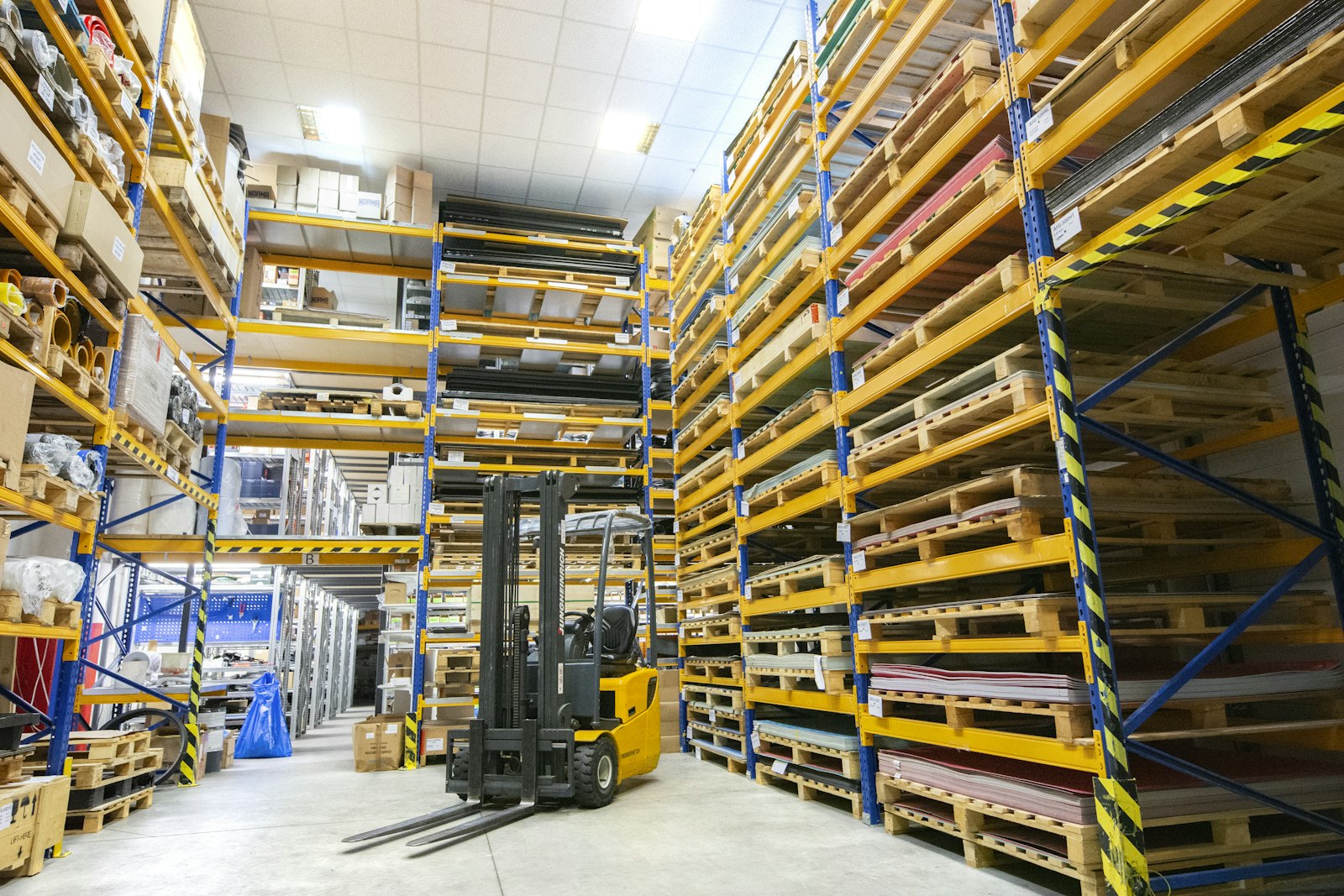
3PL Warehouse System: 10 Features for Multi-Client Inventory and Accurate Billing
A 3PL warehouse system is warehouse management software built for third-party logistics providers that store, pick, pack, and ship goods for many different clients. Unlike a standard warehouse system that serves one company, 3PL warehouse software keeps each client’s inventory, orders, rules, and billing separate while running everything in one building. For 3PL operators, the right system decides how accurately they serve clients and how much of their work they actually get paid for.
In this guide, we explain how a 3PL warehouse system differs from a standard WMS, the 10 features that matter most, how billing works, and how to choose and implement a system. We also cover common mistakes and when a custom platform makes sense.
What Is a 3PL Warehouse System?
A 3PL warehouse system manages warehouse operations for multiple clients at once. Each client has its own products, order channels, packaging rules, and service agreements. The system must keep all of that separate, while still letting the 3PL share space, labor, and equipment efficiently.
For example, a 3PL might store skincare products for one brand, auto parts for another, and books for a third. Each brand sends orders from its own online store. The warehouse picks and packs them using brand-specific inserts and packaging, then ships them with different carriers. At month end, each client receives an invoice for storage, handling, and shipping. A 3PL warehouse system manages this entire flow.
3PL Warehouse Software vs. a Standard WMS
Both systems handle receiving, putaway, picking, packing, and shipping. However, 3PL software adds several layers. Our guide to warehouse management system features covers standard WMS capabilities in more depth.
| Capability | Standard WMS | 3PL warehouse system |
|---|---|---|
| Inventory ownership | One company | Many clients, kept separate |
| Billing | Not needed | Core feature, activity-based |
| Client portals | Rare | Standard |
| Integrations | Company’s own ERP | Many client stores and systems |
| Rules | One set | Client-specific rules |
The biggest difference between 3PL software and a standard WMS is multi-client control and billing. If a system cannot bill accurately per client, it is not a true 3PL system.
10 Features to Look For in 3PL Warehouse Software
1. Multi-Client Inventory Management
Every item must belong to a specific client, even when products look identical. The system should prevent one client’s stock from filling another client’s order. In addition, it should support lot numbers, serial numbers, and expiration dates where clients need them.
2. Activity-Based Billing
3PLs earn money by charging for storage, receiving, picking, packing, materials, and special projects. The system should capture each billable activity automatically as work happens. Consequently, the team stops losing revenue to forgotten charges.
3. Client Portal
Clients want to see their inventory, orders, shipments, and invoices without calling the warehouse. A self-service portal gives them real-time visibility. As a result, account managers spend less time answering status questions.
4. E-Commerce and Marketplace Integrations
Many 3PL clients sell through online stores and marketplaces. The system should pull orders automatically and push tracking numbers back. Without these integrations, staff must import orders by hand, which causes delays and errors.
5. EDI and B2B Order Support
Retail and wholesale clients often require EDI orders, advance ship notices, and compliant labels. Your system should handle these formats or connect to an EDI provider. Many retailers also require product identification using GS1 barcode standards, so labeling support matters.
6. Client-Specific Rules
One client wants gift notes, another wants specific boxes, and a third wants orders held until payment clears. Rules engines apply these instructions automatically during picking and packing. Therefore, workers do not need to memorize each client’s preferences.
7. Mobile Scanning
Barcode scanning at every step confirms the right item, quantity, and location. Mobile devices also guide workers through tasks. In practice, scanning is one of the most effective ways to improve accuracy.
8. Shipping and Carrier Integration
The system should compare carrier rates, print labels, and generate shipping documents. Some 3PLs also mark up shipping as part of their service. If last-mile performance matters to your clients, our article on last mile delivery software covers related tools.
9. Labor Tracking and Productivity
Labor is usually a 3PL’s largest cost. Tracking time by task and client shows which accounts are profitable and which need price changes.
10. Reporting and Client KPIs
Finally, the system should report on order accuracy, on-time shipping, dock-to-stock time, and inventory accuracy by client. Sharing these KPIs builds trust and supports contract renewals.
How 3PL Billing Works
Billing is where many 3PLs lose money. Common charges include:
- Storage: per pallet, bin, shelf, or cubic foot, often charged monthly or weekly
- Receiving: per pallet, carton, or unit received
- Fulfillment: per order plus per additional item picked
- Packaging materials: boxes, dunnage, and inserts
- Value-added services: kitting, labeling, returns processing, and special projects
For example, if staff spend two hours relabeling inventory for a client but nobody records the work, that revenue disappears. A good 3PL warehouse system records the activity in real time and adds it to the invoice. Our guide to invoicing software features explains how accurate invoicing supports cash flow.
Review billing reports weekly for each client. Catching missing charges early is much easier than reconstructing them at month end.
Safety and Warehouse Operations
Software also supports safe operations. For instance, it can assign tasks based on certified equipment operators and plan workloads to avoid rushed work. In the United States, OSHA guidance on powered industrial trucks covers forklift training and safety requirements that warehouses must follow.
How to Choose a 3PL Warehouse System
- List your client types. E-commerce, B2B, retail, and regulated goods each need different features.
- Map your billing model. Confirm the system can capture every charge you use today.
- Check integrations. List the platforms your clients use and confirm ready connectors exist.
- Test onboarding speed. Ask how long it takes to set up a new client. Faster onboarding helps you win business.
- Review scalability. Make sure the system supports more clients, more warehouses, and peak season volumes.
Common Mistakes 3PLs Make
Some providers start with a single-company WMS and bill from spreadsheets. As a result, they lose revenue and spend hours on invoices.
Without a standard onboarding checklist, product data, rules, and integrations vary in quality. This causes errors from day one.
Paper pick lists and side spreadsheets break traceability. Keep every task inside the system.
Some clients look busy but lose money because of complex rules. Labor and billing data reveal the true picture.
Clients may handle regulated products, such as food, supplements, or hazardous materials. Confirm that your system supports the lot tracking, storage rules, and records these products require.
When a Custom 3PL System Makes Sense
Commercial 3PL software suits many providers. However, some operations have unique needs. For example, a 3PL that offers freight forwarding, customs services, and warehousing may want one platform for all of them. Similarly, a provider with complex contract pricing may find standard billing engines too limited.
In these cases, custom ERP development can connect warehousing, billing, transport, and client portals in one system. If you plan inventory across several sites, our guide to distribution resource planning software is also worth reading.
Frequently Asked Questions
What is the difference between 3PL software and a WMS?
A WMS manages warehouse tasks for one company. 3PL software adds multi-client inventory separation, client-specific rules, client portals, and activity-based billing.
How do 3PL warehouse systems handle billing?
They record billable activities, such as storage, receiving, picking, and packaging, as work happens. The system then applies each client’s rates and generates invoices automatically.
Can small 3PLs benefit from dedicated 3PL warehouse software?
Yes. Even small 3PLs serve several clients with different rules and rates. Dedicated software reduces billing leaks and errors, which matters more when margins are tight.
What integrations should a 3PL warehouse system support?
Common integrations include e-commerce platforms, marketplaces, shipping carriers, EDI providers, and accounting systems. The right mix depends on your clients.
Conclusion
A 3PL warehouse system helps logistics providers manage many clients in one facility while keeping inventory, rules, and billing separate. The most important features include multi-client inventory, activity-based billing, client portals, e-commerce and EDI integrations, scanning, and client KPIs. To choose well, map your billing model, check integrations, and test how quickly you can onboard new clients.
Build software around how your business works
Oxen Softwares builds custom logistics platforms that connect warehousing, billing, and client portals for growing 3PLs.
